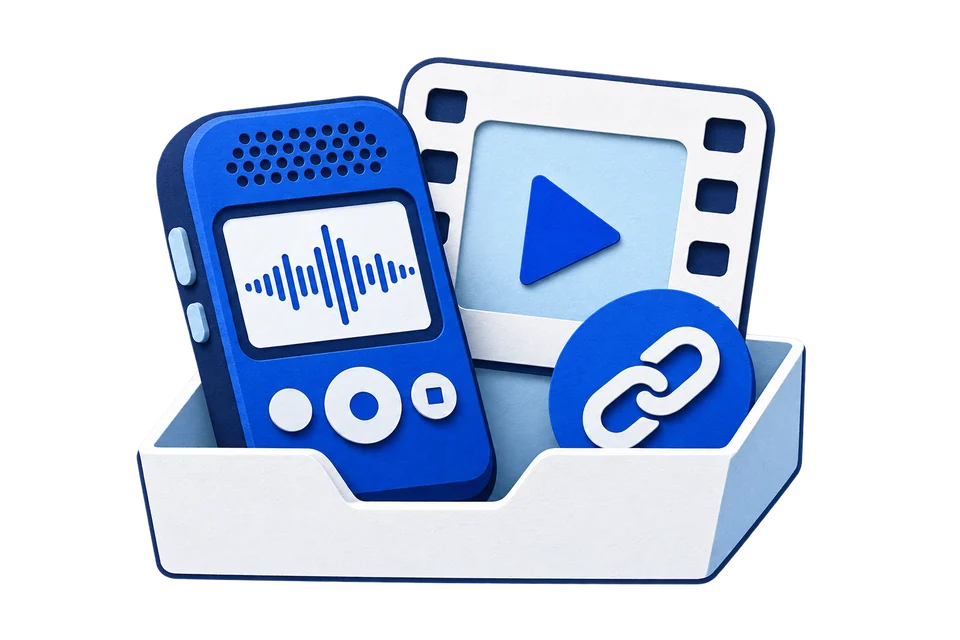
Bring your recordings.
Upload audio or video, or paste a public video link. No need to extract the audio first.
- Audio, video & public links
- Files up to 100 MB
Transcribe a recording or public video link. Find the words you need,
get the key points, and take the next step.
AI-generated video · Actual transcription result
What helps you start a new project?
I begin with one clear question.
Then I talk to the people who will use it.
What do you do with their feedback?
I write down what they need, test a small idea, and improve it step by step.
Play the sample and compare it with the service’s original transcript and timestamps.
Upload a file or paste a public video link. We’ll take it from there.
MP3, M4A, WAV, MP4 and more · Up to 100 MB
The source language is detected automatically. Choose a target language only when you need a translated copy.
From a recording to words, notes, and files you can use.
Upload audio or video, or paste a public video link. No need to extract the audio first.
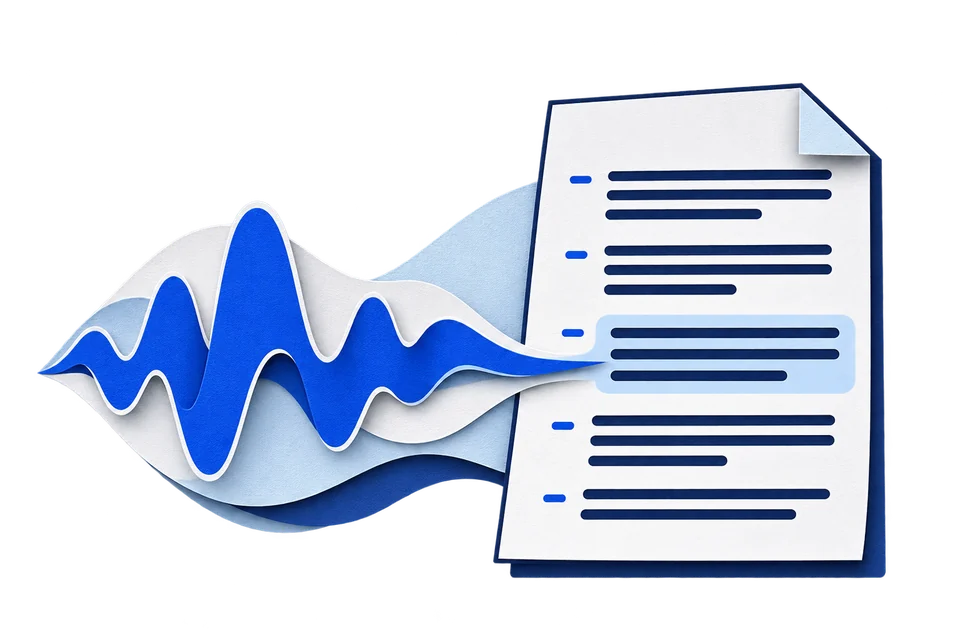
Turn speech into searchable, editable text with timestamps. Translate it when you need to.
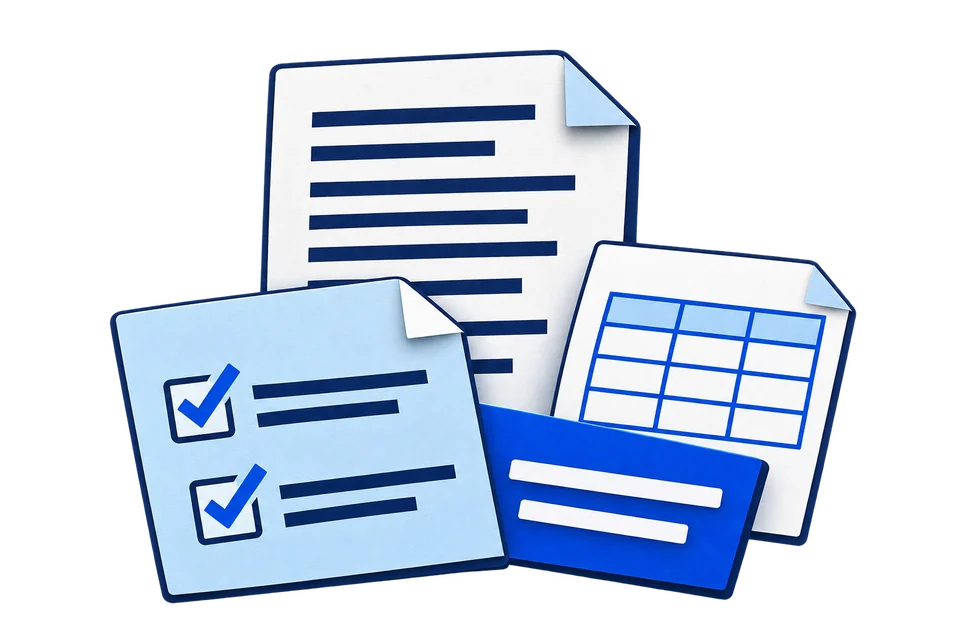
Pull out the key points, save a document, or take timed subtitles into your next project.
Review the details. Understand the bigger picture. Save what you need.
00:08Today, Sarah Chen joins us to discuss the project.
00:24We asked Sarah Chen what the team learned.
00:42That is the approach Sarah Chen recommends.
Different recordings. Useful results for the way you work.
The most useful feedback came from watching people try it.
We changed the first step so people knew where to begin.
Illustrative example
Yes. You can transcribe, translate, summarize, edit, and download for free. No account or payment is required. The current upload limit is 100 MB per file.
Upload common audio and video formats, including MP3, M4A, WAV, OGG, MP4, MOV, MKV, and WEBM. Public YouTube, TikTok, Instagram, X, and Facebook video links are also supported. Private or inaccessible posts may fail.
Yes. The spoken language is detected automatically. Choose a target language for a translation, and enable the optional summary and key points before starting. You can also generate notes from the result. Review AI-generated content before using it.
Yes. Edit individual passages, search for a word or phrase, and use Replace all to correct matching text. Your downloads include the edits to the selected transcript version.
Background noise, overlapping voices, quiet speech, names, and specialist terms can cause mistakes. Use a clear recording and check important details against the original.
Choose TXT, DOCX, PDF, SRT, VTT, or CSV. SRT and VTT are separate subtitle files; they do not include or modify your video. PDF currently supports a limited character set, so use DOCX when needed.
Download your result before refreshing or leaving the page. Edits are kept in the current page, not an account library. Files are sent to a transcription service for processing; this is not an offline tool.
Turn it into text you can review, understand, and share.